VLC Media Player icon

VLC Media Player

  3.0.24
  • 1
  • 2
  • 3
  • 4
  • 5
  • 6
  • 7
  • 8
  • 9
  • 10
3.3
/ 18 ratings

A media player with extensive features and a simplistic UI

VideoLAN | 2 more apps |
updated on September 22, 2026
Download for Windows
Being able to play your own movies and songs locally on your PC is incredibly useful. By default, many Windows users will use the modern Windows Media Player or the legacy version. Unfortunately, these default options aren't perfect. While they're filled with features, they can often have issues with performance and responsiveness. This is where VLC Media Player comes in.

Lightweight and completely free

VLC Media Player is completely free to download and install - the .exe program file is very tiny. This lightweight file size translates well when you open the program for the first time, too. You'll quickly find that it is incredibly easy to run, even on older machines. There are also no adverts in it, so you're free to use all of its functionalities without any restrictions.

Unrivaled format support

It is best known for its ability to support practically every media file under the sun. This is certainly true - if you have any strange music or movie file types that don't work in Windows Media Player, chances are they'll work on VLC Media Player. It can also stream media directly from online network sources. You simply need to copy the video link, click Media, and click 'Open Network Stream' to paste your link.

Built-in tools for audio and video

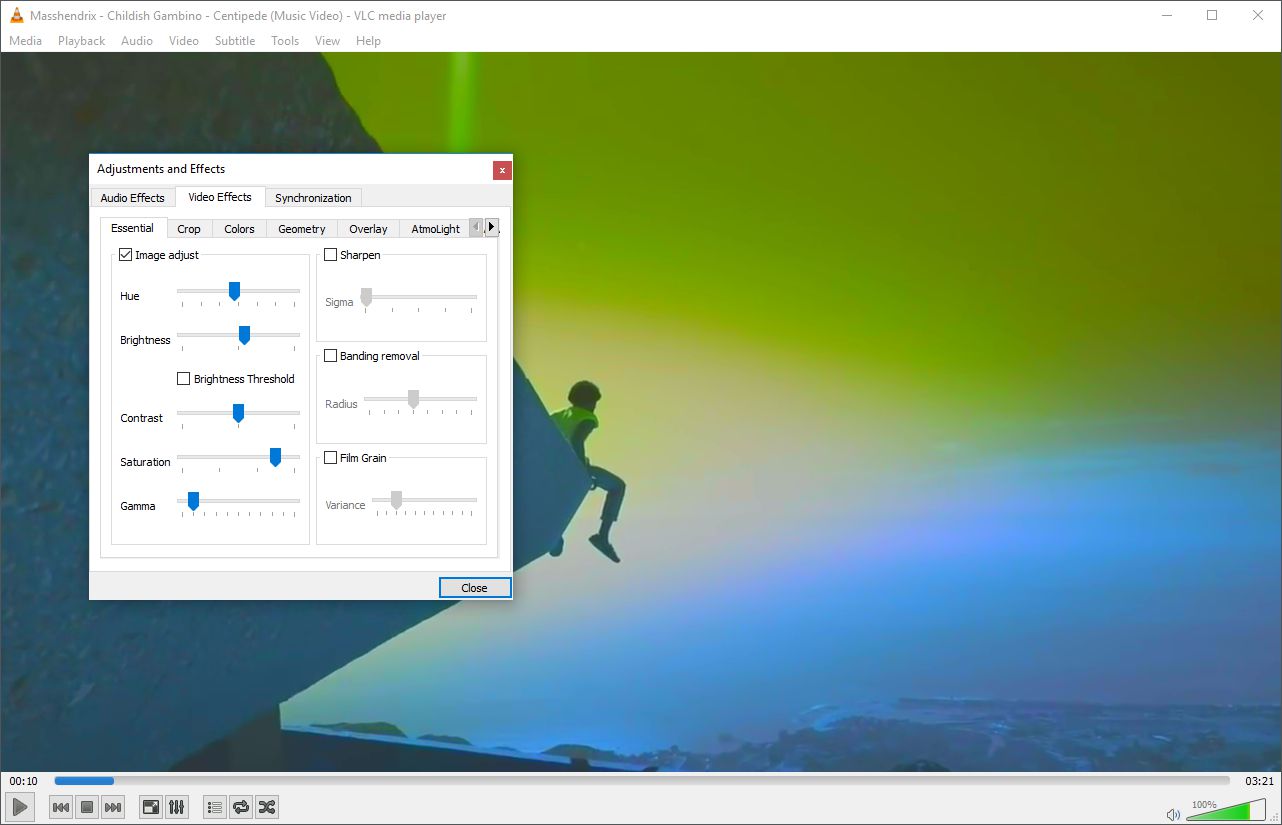
There are a number of tools available to make it a more comprehensive suite of media software, too. This includes a built-in equalizer that can be used to choose preset sound profiles or create your own. You can also add video effects to any video file to improve things like brightness, colors, or saturation.

An aging interface

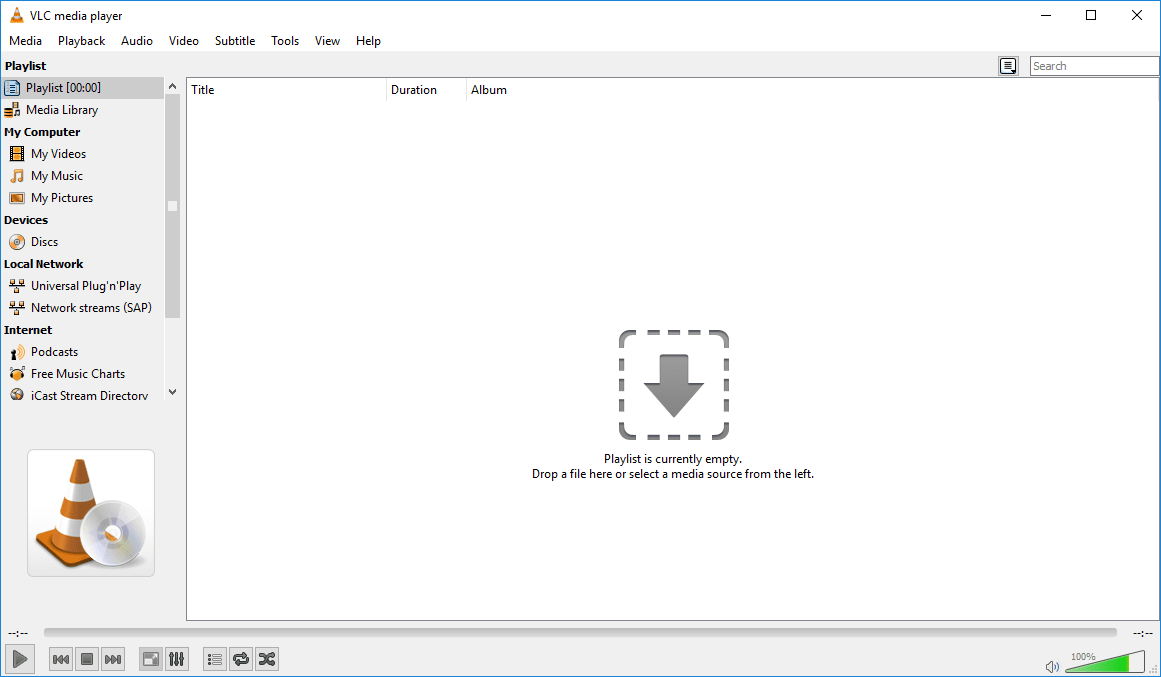
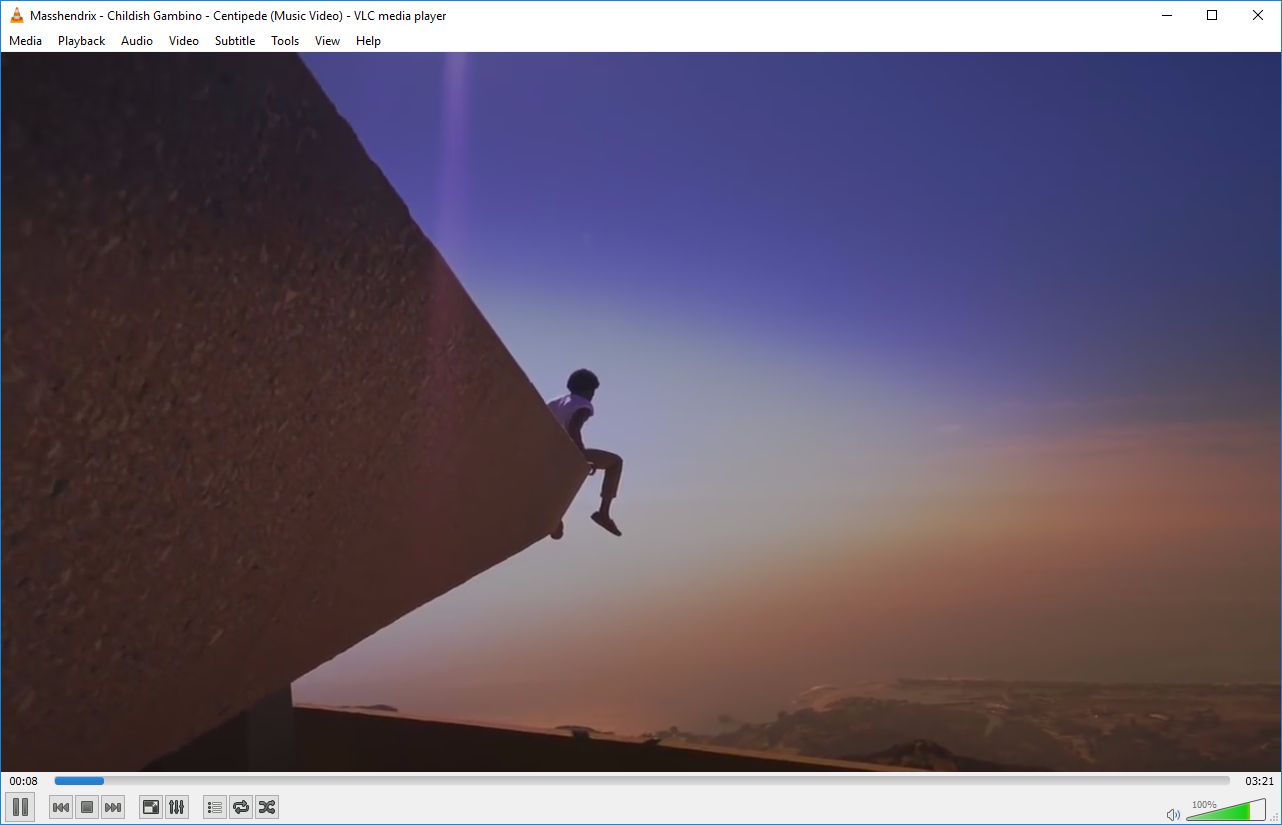
If you're a fan of fancy/modern interfaces, VLC Media Player will unfortunately let you down. There are a number of customization options available via Tools > Plugins and extensions, where new skins can also be picked up, but the available options look like something that belongs back in the early 2000s. The interface in this software is as barebones as it can get.

Media library limitations

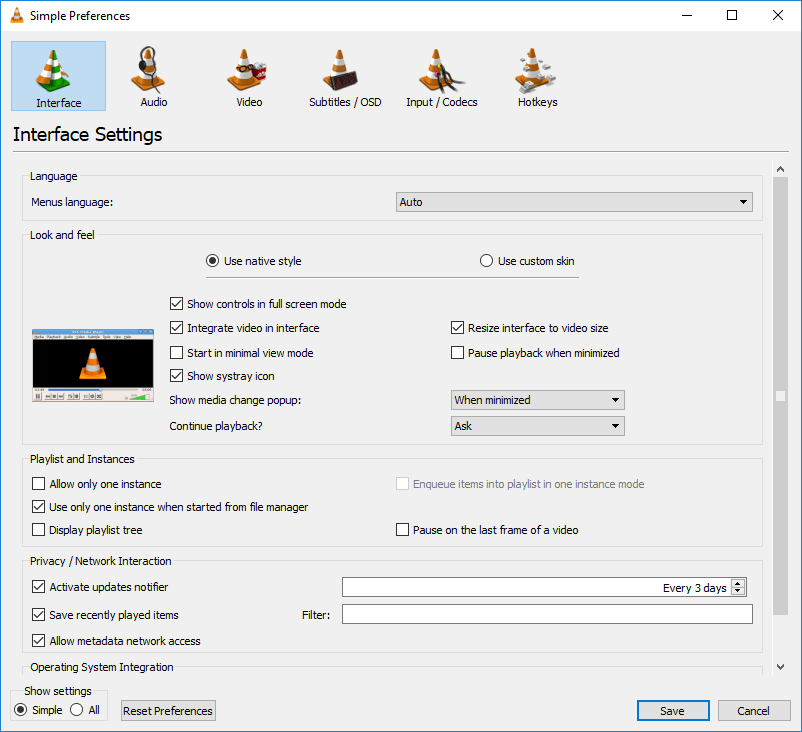
There is a tool for creating a media library, but it's limited when compared to the competition. To enable the media library, you can click Tools > Preferences > tick All > Playlist > tick Use Media Library.

A steep learning curve for basic organization

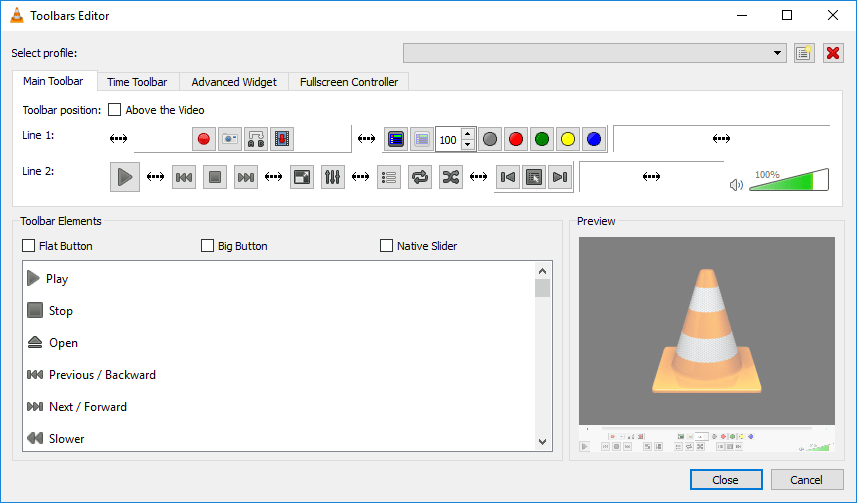
Getting used to it when coming from the default Windows Media Player can be difficult, too. By default, you'll have to use the media menu on VLC Media Player or the Windows File Explorer to play music and movies. Gathering media from the toolbar takes more fine-tuning within the Tools menu (via Tools > Customize Interface).

A capable player for those who prioritize function

VLC Media Player is a very useful piece of software for playing media files. You'll like it, as long as you can get used to the interface.
Ollie Green
Ollie Green
App tester and reviewer
★★★★★
★★★★★
Editor's pick

Pros

  • Free to use without any adverts or restrictions
  • Supports every media file under the sun
  • Can stream from online network sources
  • Built-in equalizer
  • Lightweight and easy to run on any PC

Cons

  • User interface looks outdated
  • Extra features like media library or artist/song labeling must be setup before use
  • A little hard to get used to
LicenseFree
Previous versions
Operating systemWindows
Supported languagesAcoli, Afrikaans, Albanian, Amharic, Aragonese, Armenian, Asturian, Azerbaijani,
view more...
Basque, Belarusian, Bengali, Bengali (India), Bosnian, Breton, British, Bulgarian, Burmese, Catalan, Chiga, Chinese Simplified, Chinese Traditional, Corsican, Croatian, Czech, Danish, Dutch, English, Estonian, Finnish, French, Friulian, Fulah, Galician, Georgian, German, Greek, Gujarati, Hebrew, Hindi, Hungarian, Icelandic, Indonesian, Irish, Italian, Japanese, Kazakh, Khmer, Kirgyz, Korean, Kurmanji, Latvian, Lithuanian, Luganda, Macedonian, Malay, Malayalam, Marathi, Mongolian, Nepali, Norwegian, Nynorsk, Occitan, Persian, Polish, Portuguese BR, Portuguese PT, Punjabi, Romanian, Russian, Scottish Gaelic, Serbian, Sinhala, Slovak, Slovenian, Soranî, Spanish, Swedish, Tagalog, Tamil, Telugu, Tetum, Thai, Turkish, Ukrainian, Uzbek, Vietnamese, Walloon, Welsh, Zulu
Other platformsAndroid, Mac
DownloadsTotal: 830
Last week: 8
Download for Windows